Your 77sab Account Starts Here
Creating your 77sab account takes a few steps — enter your details, verify your number, and your wallet is ready to connect via bKash, Nagad, or Rocket. Access depends on your local law and eligible regions.
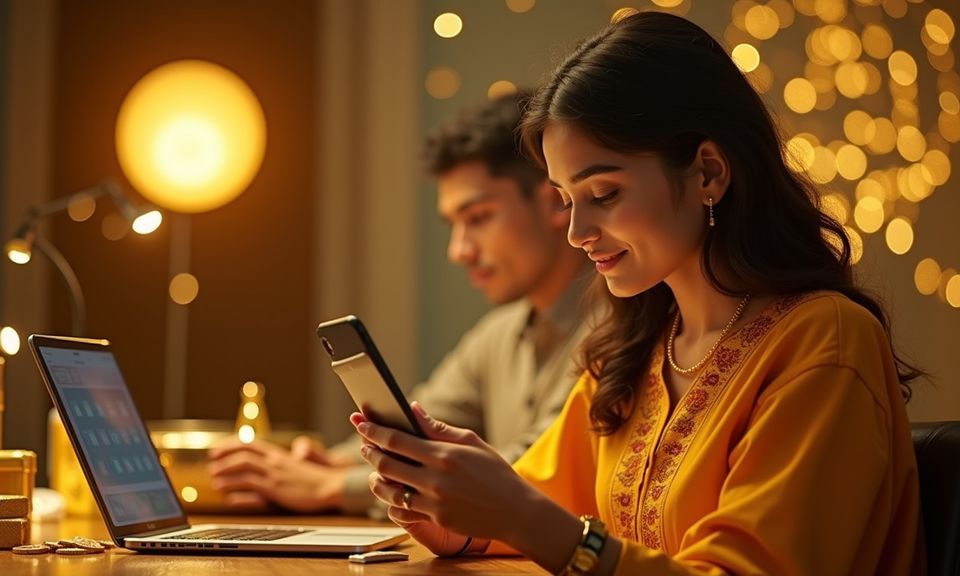
Connect bKash, Nagad or Rocket to Your Account
Once your account is active, linking a local wallet takes under a minute. Open your bKash, Nagad, or Rocket app, send to the account number shown in the deposit screen, confirm with your PIN, and the balance reflects in your 77sab wallet. Withdrawals reverse the same path — request from your account wallet and the funds route back to your linked mobile wallet. Bank Transfer is also available for those who prefer it. We keep the payment flow tied to your verified account details, so every transaction traces back to you cleanly.
Getting Help With Your Account
Stuck at a registration step or not receiving your OTP? Our account help channels are set up to resolve these quickly. Live chat is the fastest route — you can start a session directly from the login or register screen without being logged in. Email support handles verification document queries and anything that needs a paper trail. The help centre covers common registration questions and wallet linking steps in plain English, so check there first before reaching out.
What to Expect When You Register
The registration flow on 77sab is straightforward. Enter your mobile number, choose a password, and you will receive a one-time code (OTP) to confirm your number is active. Once verified, your account is created. From there, head to the wallet section to link your preferred local payment method — bKash, Nagad, or Rocket. Before your
first withdrawal, identity verification is required: submit a valid photo ID so our team can confirm account ownership. This step protects your funds and keeps your account secure. Support is reachable via live chat if you hit any step that is unclear. The whole path is designed for mobile — players in Dhaka and elsewhere
complete it on their phones without needing a desktop.
-
OTP Number Verification Your mobile number is confirmed with a one-time code at registration. This ties your account to a real, active number from the start.
-
Wallet Connection After account creation, link bKash, Nagad, or Rocket directly in the wallet section. Deposits and withdrawals flow through whichever method you connect.
-
Identity Verification Step A valid photo ID is needed before your first withdrawal. This protects your account and ensures payouts reach the right person securely.
-
Live Chat Account Help If any registration step is unclear, our live chat team can walk you through it. Reach support directly from the account or help page.
Account
The registration flow on 77sab is straightforward. Enter your mobile number, choose a password, and you will receive a one-time code (OTP) to confirm your number is active. Once verified, your account is created. From there, head to the wallet section to link your preferred local payment method — bKash, Nagad, or Rocket. Before your first withdrawal, identity verification is required: submit a valid photo ID so our team can confirm account ownership. This step protects your funds and keeps your account secure. Support is reachable via live chat if you hit any step that is unclear. The whole path is designed for mobile — players in Dhaka and elsewhere complete it on their phones without needing a desktop.
Explore the LobbyYour details are encrypted for secure account access.
Your Registration Questions Answered
Common questions about creating and accessing your 77sab account — from OTP delivery to wallet linking and identity verification steps.
Register
Service availability depends on eligible regions and local law. Users should check local rules before opening an account.
Access may be available only where local law permits.